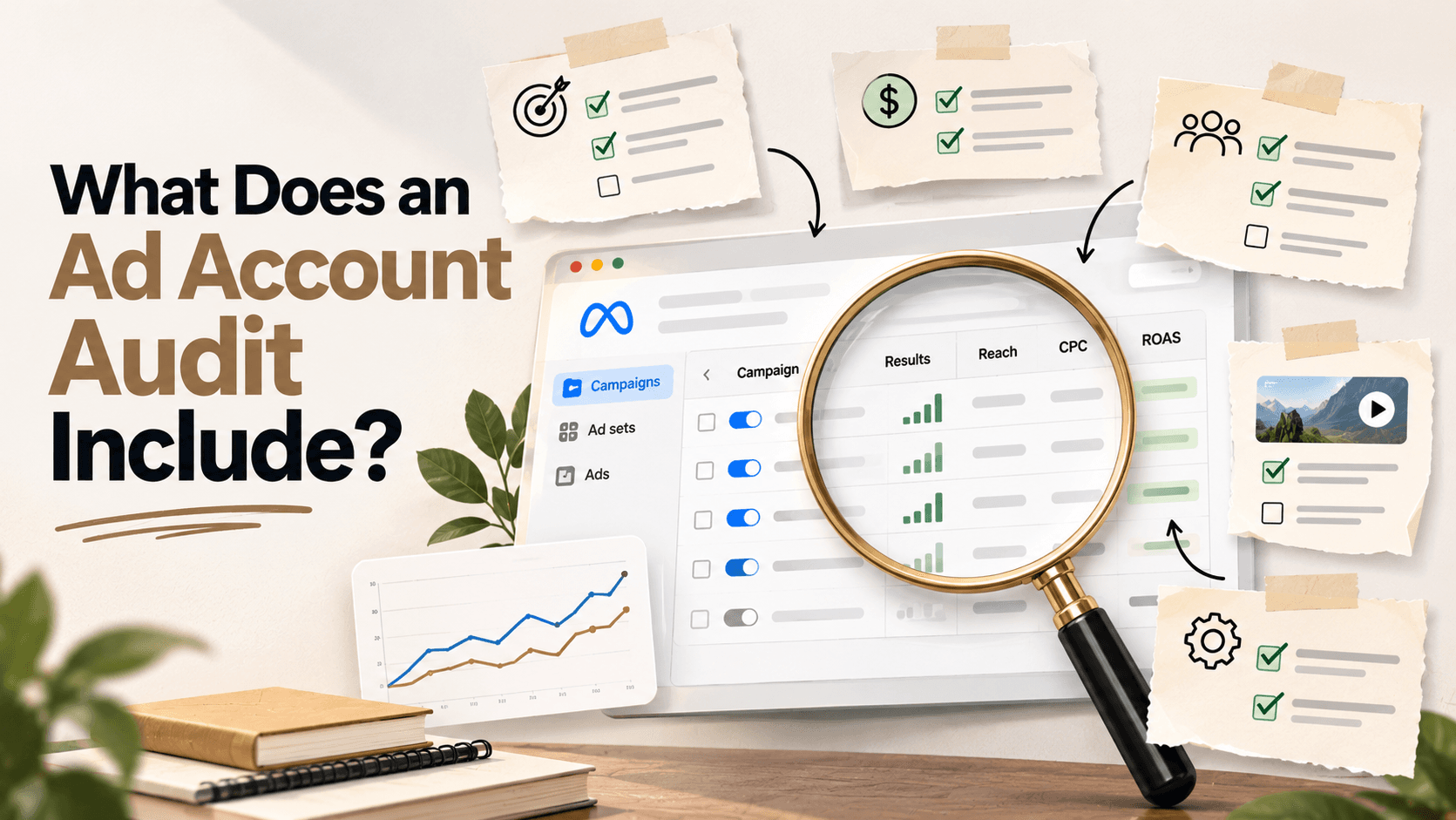
What Does an Ad Account Audit Include? The 4 Parts
An ad account audit covers four parts: measurement, platform settings, cross-channel logic and the post-click path. See what each checks, plus a 133-point framework.
By Abhilash LR
An ad account audit, also called a PPC audit, is a structured review of paid accounts to find what is wrong, wasteful or missing. A proper one has four parts: measurement accuracy, platform settings and structure, cross-channel logic, and the post-click path.
People use the word loosely. A free tool that scores your Quality Score and flags missing ad extensions is doing one slice of the work. This post explains all four parts, what each one looks for, and where a typical quick scan stops.
Key Takeaways
- Four parts, in order: measurement, platform settings, cross-channel logic, post-click path.
- Measurement comes first, because every later finding depends on the numbers being right.
- Cross-channel problems such as double-counted sales are the ones a single-platform review cannot see.
- An audit produces findings and priorities. Applying the fixes is a separate step.
What Does an Ad Account Audit Include?
An ad account audit includes four parts, reviewed in a set order: measurement accuracy, platform settings and structure, cross-channel logic, and the post-click path. The order matters because each part leans on the one before it. If you judge bids before you trust the conversion data, you're grading the account against an answer key that may be wrong.
Many checklists emphasise settings, the second part. That work is useful, but it can leave out the places where money tends to hide. The table below shows what a typical free grader can usually check. If you want every individual check laid out in sequence, the ad account audit framework covers all 133.
| Part | Central question | What a mechanical tool can usually check |
|---|---|---|
| Measurement accuracy | Can you trust the conversion data? | Whether tags and conversion actions exist; typically not whether they double count |
| Platform settings and structure | Are the settings right for this business? | Settings against best-practice rules; typically not whether they fit your margins |
| Cross-channel logic | Are two platforms claiming the same sale? | Typically nothing, since it needs data from more than one platform |
| Post-click path | Does the page deliver on the ad's promise? | Typically basic page signals; not message match or checkout friction |
Measurement Accuracy Comes First
Measurement accuracy asks whether the numbers your account is judged on are correct. This is the first part of an audit because bidding systems, budget decisions and every other finding rely on conversion data. If that data is inflated or incomplete, the rest of the review builds on sand.
Here is a generic scenario. A purchase conversion action is marked primary and counted by a Google tag on the order confirmation page. The same purchase also arrives through an imported GA4 event, also marked primary. Both feed the Conversions column and automated bidding, so one sale can be counted twice. Cost per acquisition can look materially lower than it is, and the bidding system learns from that.
Google's help pages explain why this matters. Primary conversion actions appear in the "Conversions" column and drive bidding, while secondary actions are observation-only. The Every versus One counting setting decides whether each conversion after an interaction counts, or at most one per click.
An auditor checks which actions are primary and which are secondary, how each action counts events, and whether browser and server events are deduplicated. On Meta, Pixel and Conversions API events only deduplicate when the event ID and event names match. Enhanced conversions add hashed first-party data to existing tags to improve measurement accuracy. An auditor also confirms that server-side connections are sending data rather than just switched on. For setup detail, see how to set up conversion tracking.
Platform Settings Need Business Context
Platform settings and structure cover how each ad account is built: bidding strategy, campaign structure, keywords and search terms, audiences, creative coverage and platform-specific features. Many free tools and checklists focus here, and it's necessary work. It is also only half of the picture, because a setting can pass a best-practice test and still be wrong for you.
For example, an account might run a Target CPA set during an early testing phase, when the business could tolerate paying more per customer. Today the margins are tighter, but the target never moved. A grader sees a valid bidding strategy. A person who knows your unit economics sees a target that overspends.
Newer campaign types need their own review. Performance Max, for instance, can overlap with Search and hide where conversions come from, which is why there's a dedicated guide to auditing Performance Max campaigns. On Meta, the equivalent questions concern creative variety, learning-phase stability and how budget is spread across ad sets.
What Can Only Be Seen Across Platforms?
Cross-channel logic covers problems that exist between platforms rather than inside either one. The two big ones are double-counted conversions and a budget split nobody chose on purpose. A review that looks at Meta and Google separately cannot find either, because each report looks reasonable alone.
Double counting happens because every platform measures from its own touchpoints and claims credit when its ad was involved. A customer who clicks a Meta ad and later a Google ad can show up as a conversion in both reports. Add the platform totals together and the sum can overstate the number of unique sales. Compare them against orders in your store or CRM and the gap shows.
The budget split is the second check. Many accounts divide spend between Meta and Google by habit, or by whichever platform reports the better number. An audit asks where the next dollar would perform best. Reading those answers properly takes a grasp of attribution and measurement, since the platforms disagree by design. Even within Google, GA4 offers three attribution models, and data-driven attribution assigns credit using the property's own data, so the model you pick changes the story.
The Post-Click Path
The post-click path covers everything between the ad click and the finished conversion. To the person who clicked, the ad and the landing page are one experience, even though they're built and measured in different tools. A strong ad can't make up for a page that breaks its promise.
An auditor starts with message match: does the headline, offer and imagery on the page deliver what the ad advertised? Next comes mobile behaviour. Does the page load quickly and render properly on a real phone? Then form and checkout friction, such as extra fields, unclear errors or an extra step before payment.
There's also a tracking angle. Tracking parameters can be stripped by redirects, which means the click arrives in your analytics with no source attached. Offer consistency matters too: price, terms and calls to action should agree from the ad through to the confirmation page. These issues can drag down conversion rate and Quality Score together, so they're worth checking even when the ads look fine.
Audit Frequency
How often to audit depends on how much changes in your account, and there isn't one correct interval. Spend changes, tracking changes, new campaign types and site rebuilds all raise the odds that something has quietly broken. A stable account with few edits needs less frequent attention than one that is changing every week.
A practical approach is to tie reviews to events as well as dates. Before you raise budgets, check that the account is worth scaling. After a site migration or tag change, check measurement again. When results shift and you can't explain why, treat that as a prompt too. Our guide on how often to audit Google Ads goes through the reasoning in more detail.
Between full reviews, a lighter look at conversion tracking is cheap and catches the failures that do the most damage. A broken tag can distort every other metric for weeks before anyone spots it in the reports.
How Is a Paid Audit Different From a Free Grader?
A free grader checks a fixed set of mechanical settings against a scoring model, usually in a few minutes, while a paid audit adds human review of how those settings fit your business. Free tools are a fair starting point, and our roundup of free Google Ads audit tools shows what they do well.
The gap shows up in the parts that need context. A tool can tell you a bidding strategy exists. It can't tell you whether the target reflects your margins. It can see that a conversion action is set up, but not that the same sale is counted twice across two platforms. And it rarely follows the visitor onto the landing page.
None of this makes a grader useless. It's a quick sanity check on the mechanics. Just treat a clean score as a statement about settings, not about whether the account is measured correctly or spent well.
Frequently Asked Questions
Is a Google Ads audit the same as a PPC audit?
No, a Google Ads audit is one platform's slice of a PPC audit. "PPC audit" is the broader term and can cover any paid search or paid social platform, plus how they interact. If you run both Google and Meta, a single-platform review will miss the cross-channel part entirely.
Does an audit tell me what to fix, or just what is wrong?
A good audit does both, because findings without priorities are hard to act on. The deliverable is the diagnosis and a ranked set of recommendations. Carrying out the fixes, such as rebuilding a structure or reconfiguring tracking, is a separate step for you, your team or whoever you hire.
Do I need an audit if my account looks fine?
Possibly, because a lot of what an audit finds does not show up as an obvious red flag in daily reporting. Double-counted conversions, a stale bidding target and overlap between campaign types all produce healthy-looking dashboards. Our list of [PPC audit red flags](/blog/ppc-audit-red-flags) shows what to watch for.
Can I audit my own account?
Yes, you can. Start with the guides to [auditing Google Ads](/blog/how-to-audit-google-ads-account) and [auditing Meta Ads](/blog/how-to-audit-meta-ads-account), then work through the [Google Ads audit checklist](/blog/google-ads-audit-checklist) and [Meta Ads audit checklist](/blog/meta-ads-audit-checklist). What you give up is an outside view on ambiguous findings and the time it takes to work through every check. Teams often start in-house and bring in help once the cross-channel questions get complicated. Our piece on [when DIY stops working](/blog/when-diy-stops-working) covers that point.
What should I ask before hiring someone to audit my account?
Ask what they will review, what you will receive, and how they treat measurement. Find out whether a person reviews your account or a tool scans it, and whether the output is a prioritised plan or a list of issues. Our guide to the [questions to ask before hiring an ad auditor](/blog/questions-before-hiring-ad-auditor) has a fuller list.
What does an audit not cover?
An audit does not cover your product, pricing or market, and it can't create demand that doesn't exist. It reviews how your accounts are set up and measured, and it reflects the account on the day it was reviewed. It narrows down what is worth changing, but testing is still how you learn what works.
Get Your Account Audited
Loupe by COACT is a one-time Meta and Google Ads account audit built on a 133-point review framework. People at COACT review your account rather than running an automated scan. Every audit includes a written plan prioritised as fix first, test next and revisit later, a recorded video walkthrough, and 30 days of implementation Q&A.
Loupe is built for D2C and e-commerce teams spending roughly US$3,000+/month (about INR 2.5 lakh) with 60+ days of data.
Pricing is a one-time payment with no retainer: US$199 for a single platform (report in 3 business days), US$299 for Meta and Google (7 business days), and US$399 for Full funnel, which adds a TikTok review, up to three agreed landing or funnel pages, a competitor creative scan and a 60-minute live walkthrough. If the report lacks at least three specific, actionable recommendations within the scope you bought, you can request a refund within 14 days of delivery. A free sample report is on the Loupe page.
Abhilash LR is the founder of COACT, a growth-focused agency operating across India, Southeast Asia and Singapore. He has spent a decade working with startups and scaleups, where he kept seeing the same problems: businesses leaving growth on the table because of the wrong partners, systems, strategy and incomplete data loops. COACT is built on the principles he works by: performance-driven, founder-obsessed, and focused on what actually moves the needle. COACT also sells Loupe, a fixed-price ad account audit. Questions or corrections: contact us. Learn more about COACT.
Published at www.coact.biz2026-09-30 · Abhilash LRWant results like these for your brand?
COACT runs performance-based growth across SEA & India. Start with a free 15-day pilot.
Book a strategy callKeep reading
Audit Findings: What to Do With Them, Step by Step
Turn audit findings into fixes in five steps, tracking first. Get an impact and effort table and learn how to judge a fix after Google's 7-day learning window.
Ad Account Audit: Do It In-House or Hire Someone?
Audit your ad account yourself or hire out? Use a 3-question test and a hybrid workflow, or a US$199 fixed-fee audit as a starting point if you need help.